Explore the guide library · Windows diagnostic tools
Use a DNS cache flush for a plausible stale-resolution problem, then verify the same hostname and application.
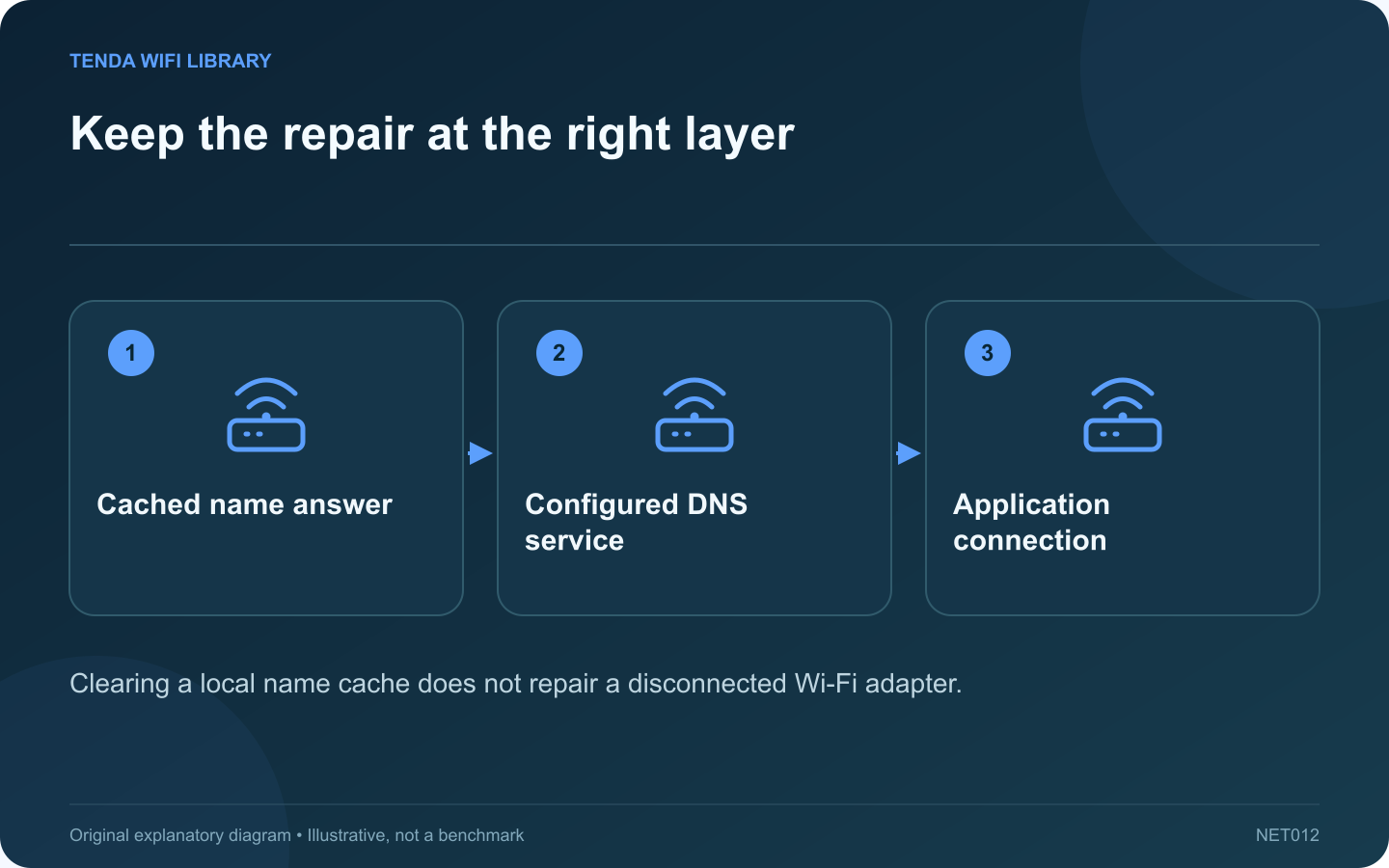
A DNS cache stores recently learned name information. Clearing it can help when Windows retains an obsolete answer after a legitimate service change. It is less useful when the actual failure is weak Wi-Fi, an unplugged cable or an unavailable website.
Describe the failure first
Write down the affected hostname and whether other destinations work. Compare another device on the same network. If every application fails and the computer has no usable network address, resolve that earlier connection problem before treating DNS as the cause.
Check the intended resolver
Inspect the active adapter’s configuration and any approved VPN. A company resource may depend on the organization’s resolver. Replacing it with an arbitrary public service can make internal names fail even while ordinary websites continue to work.
Clear only the local cache
Microsoft documents ipconfig /flushdns for clearing the Windows DNS resolver cache. Use a Command Prompt with the permissions required by your system. This command does not reset the router, change its password or erase the browser’s entire history.
Retest the exact task
- Use the same hostname that originally failed.
- Check whether Windows now obtains an appropriate answer.
- Retry the application and record its message.
- Compare with the previous behavior rather than only a generic speed test.
Understand a persistent failure
If the configured resolver still returns the same incorrect answer, repeatedly clearing the client cache cannot change that upstream information. Browser-specific secure DNS, application caching and VPN name resolution can also require separate investigation.
For a managed computer, provide support with the hostname, time and relevant result through its approved channel. Do not publish internal server names. A successful repair restores the intended service; the confirmation message from the flush command alone only confirms that the local cache operation ran.
Sources and editorial notes
Sources checked 8–9 October 2026. Independent guidance and original illustrations; product comparisons use published specifications rather than hands-on benchmarks. Check the exact model, revision and regional documentation before changing settings.