Independent router help & how-tosHelping you find your connection.
The guide library

Ping your home gateway: what replies, delays and timeouts actually tell you

Explore the guide library · Windows diagnostic tools

Use a short gateway test to examine the local path without mistaking every unanswered packet for an internet outage.
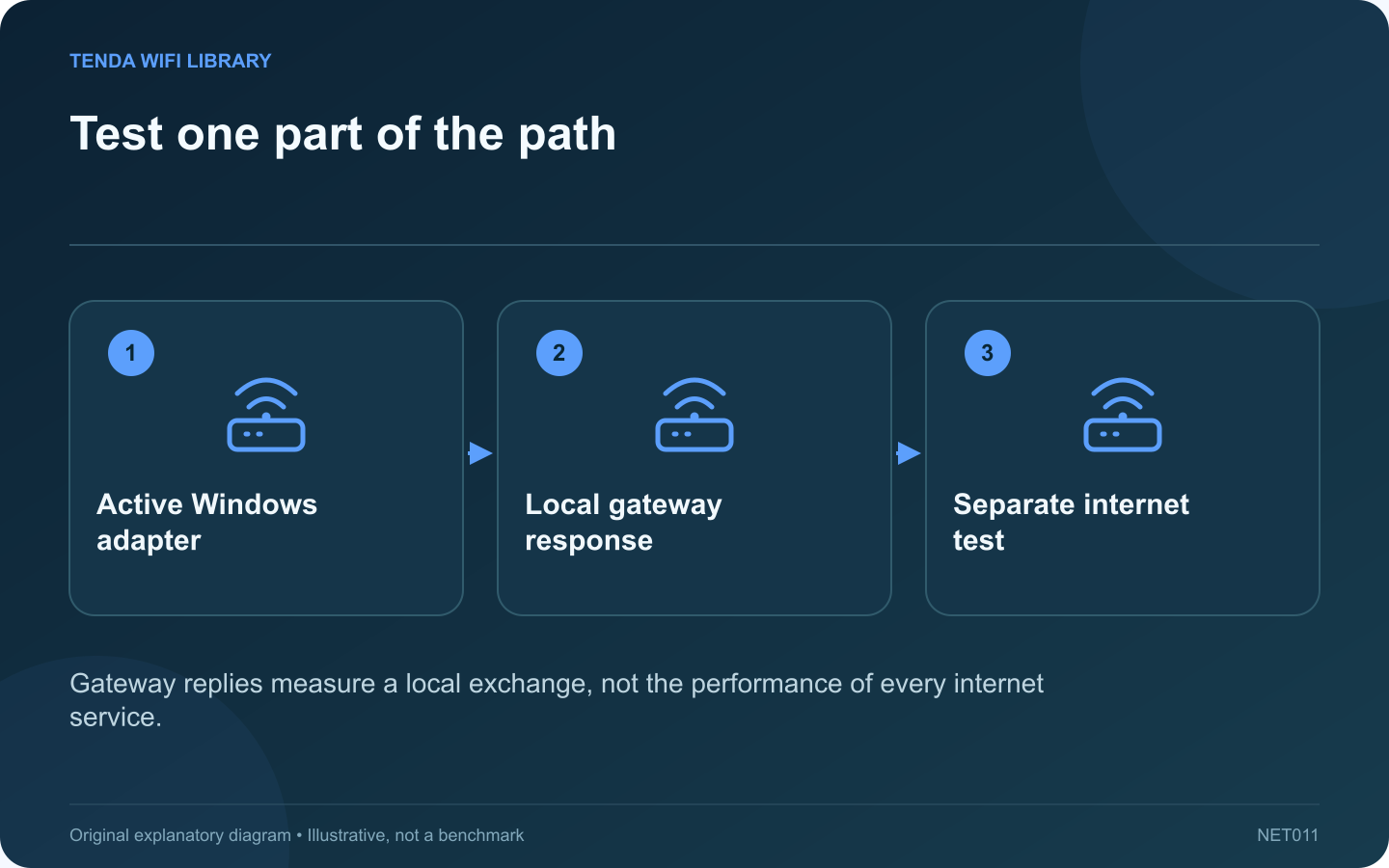
Test one part of the path: Active Windows adapter; Local gateway response; Separate internet test
Gateway replies measure a local exchange, not the performance of every internet service.

A gateway ping is a small local test that can help investigate a freezing call or intermittent connection. It does not measure download speed, and a successful reply does not establish that a website or application is healthy.

Choose the correct destination

Run ipconfig and find the default gateway under the interface currently carrying your home connection. Ignore disconnected adapters and unrelated virtual interfaces. Use that actual address in the command rather than assuming every router uses the same factory address.

Collect a limited sample

In Command Prompt, run ping /n 20 GATEWAY, replacing GATEWAY with the address you found. Microsoft documents the count option for sending a specified number of requests. Record the time and whether the original problem happened during the sample.

Read the result in context

  • Replies show that this ICMP exchange completed.
  • Variable reply times can justify a closer look at the local path.
  • Timeouts can reflect filtering or response handling as well as connectivity trouble.
  • A quiet twenty-packet sample can miss an intermittent fault.

Make one useful comparison

If the laptop is wireless, repeat from the same location while the household is quiet. Then compare with a supported wired connection when practical. Keep the gateway, sample size and application task consistent. Changing the router, device and destination together makes the result difficult to interpret.

Decide what to investigate next

If the application fails while gateway replies remain stable, inspect the upstream connection or application path. If gateway behavior changes alongside the failure on only one client, investigate that client’s local connection.

Keep the original output private if it identifies your network. Share a small reviewed excerpt with support. The useful conclusion is a narrower location for the problem, not a universal verdict that the router is either perfect or broken.

Sources and editorial notes

Sources checked 8–9 October 2026. Independent guidance and original illustrations; product comparisons use published specifications rather than hands-on benchmarks. Check the exact model, revision and regional documentation before changing settings.

Related guides

300 FAQs across our guide libraries

Quick answers

100 practical questions from Tenda WiFi Library.

Browse all 100 FAQs
What does pinging my default gateway actually test?

A gateway ping is a small local test that can help investigate a freezing call or intermittent connection. It does not measure download speed, and a successful reply does not establish that a website or application is healthy. Run ipconfig and find the default gateway under the interface currently carrying your home connection. Ignore disconnected adapters and unrelated virtual interfaces. Use that actual address in the command rather than assuming every router uses the same factory address.

Read the full guide and sources
How do I identify the correct adapter in ipconfig?

The output of ipconfig can contain several adapters, even on a laptop with one visible network connection. Find the section for the interface you are actually using before interpreting an address or default gateway. Decide whether the test uses Wi-Fi, built-in Ethernet or a USB dock. Note whether an approved VPN is active. A virtual adapter can be relevant to the application without being the physical link to the home router.

Read the full guide and sources
How can Test-NetConnection check a specific known service?

If a known service will not open, PowerShell can test whether your computer establishes a TCP connection to its expected port. This is useful for an authorized home server or a public service you normally use. It is not a reason to probe unrelated devices or large port ranges. Use the hostname and port documented by the service owner. A web interface, file share and media application may use different protocols. Guessing a port from another product can produce a technically accurate result that answers the wrong question.

Read the full guide and sources
Do asterisks in tracert prove that the internet is broken?

A row of asterisks in a Windows route trace can look alarming. It means the expected diagnostic reply did not arrive within the waiting period. It does not, on its own, prove that the device at that stage is dropping your ordinary web traffic. The tracert command sends probes with increasing time-to-live values to reveal responding steps toward a destination. Microsoft explains that some routers do not return the expected expiration messages and therefore appear as asterisks in the output.

Read the full guide and sources
Independent. Practical. Clear.

Tenda WiFi Library is an independent information website. We are not affiliated with or endorsed by Tenda. Product names belong to their respective owners.