Independent router help & how-tosHelping you find your connection.
The guide library

Why tracert shows asterisks even when a website still works

Explore the guide library · Windows diagnostic tools

Read intermediate timeouts as missing diagnostic replies before blaming a particular internet router.
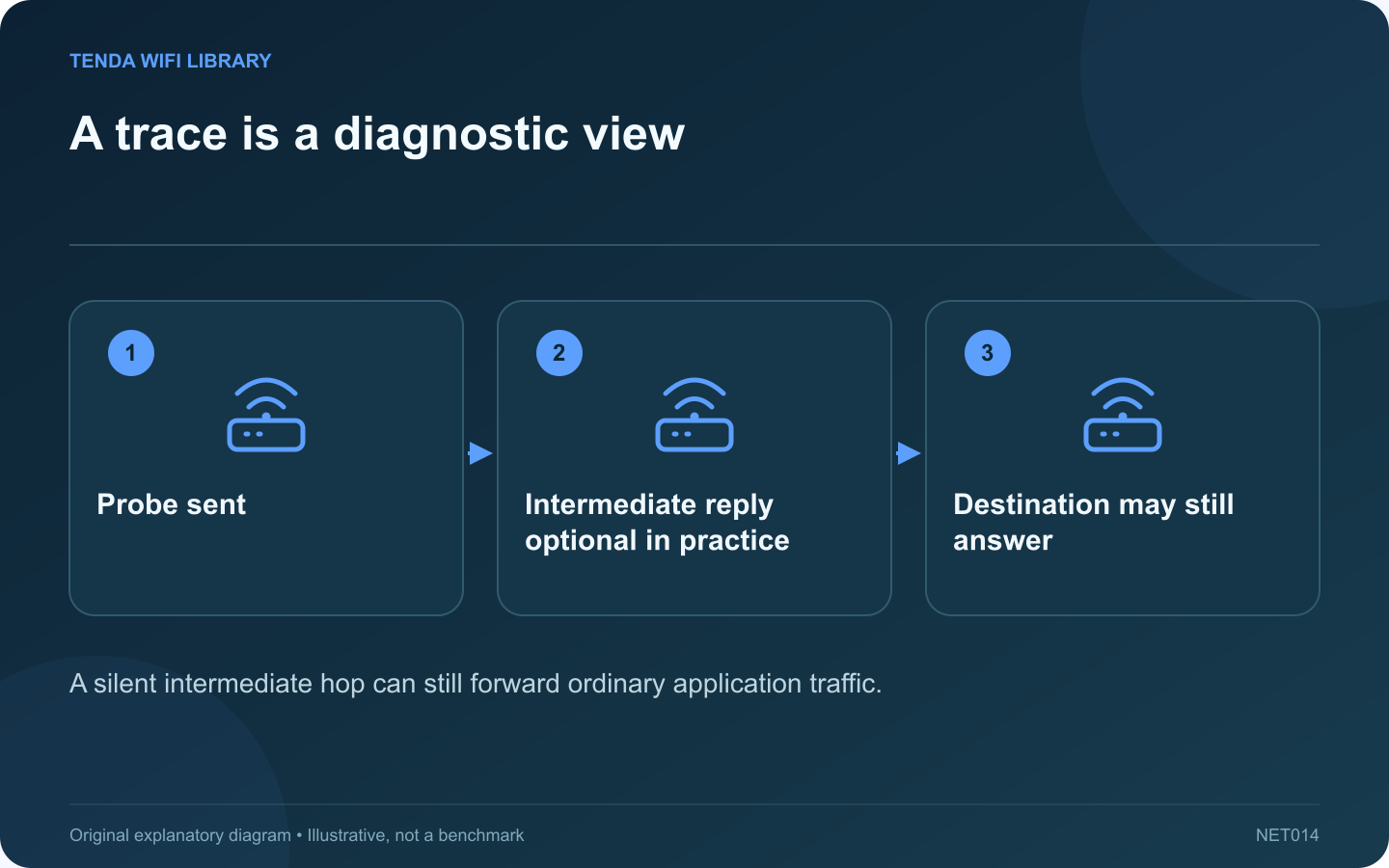
A trace is a diagnostic view: Probe sent; Intermediate reply optional in practice; Destination may still answer
A silent intermediate hop can still forward ordinary application traffic.

A row of asterisks in a Windows route trace can look alarming. It means the expected diagnostic reply did not arrive within the waiting period. It does not, on its own, prove that the device at that stage is dropping your ordinary web traffic.

Understand the measurement

The tracert command sends probes with increasing time-to-live values to reveal responding steps toward a destination. Microsoft explains that some routers do not return the expected expiration messages and therefore appear as asterisks in the output.

Run a focused trace

Use tracert /d HOSTNAME for a destination relevant to the failure, replacing HOSTNAME with its actual public name. The /d option avoids attempts to resolve intermediate addresses into names. It can make a trace easier to collect without changing the route itself.

Compare the final outcome

If later hops or the destination respond after a silent row, traffic has continued beyond that point. Do not identify the silent row as the cause merely because it appears first. If the trace never finishes, compare the application’s behavior and another permitted destination before drawing a conclusion.

Collect comparable observations

  • Record the time and whether the problem was occurring.
  • Keep the same connection and destination for a repeat.
  • Note whether an approved VPN changes the path.
  • Compare a working period with a failing period.

Avoid false precision

A router’s diagnostic response time is not necessarily its forwarding performance. Routes can change, and the return path may differ. A single unusually high intermediate reply should not become a claim about a provider’s service quality.

Give support a reviewed trace together with the exact application error and timing. That combined evidence is more useful than a screenshot with one row circled. Remove private network details before sharing the result outside the people responsible for investigating the connection.

Sources and editorial notes

Sources checked 8–9 October 2026. Independent guidance and original illustrations; product comparisons use published specifications rather than hands-on benchmarks. Check the exact model, revision and regional documentation before changing settings.

Related guides

300 FAQs across our guide libraries

Quick answers

100 practical questions from Tenda WiFi Library.

Browse all 100 FAQs
Do asterisks in tracert prove that the internet is broken?

A row of asterisks in a Windows route trace can look alarming. It means the expected diagnostic reply did not arrive within the waiting period. It does not, on its own, prove that the device at that stage is dropping your ordinary web traffic. The tracert command sends probes with increasing time-to-live values to reveal responding steps toward a destination. Microsoft explains that some routers do not return the expected expiration messages and therefore appear as asterisks in the output.

Read the full guide and sources
What private details should I remove from a network report?

A network report can help support understand a failure, but it may also describe the computer, wireless networks and connection history. Review the contents before attaching the entire file to a public forum. If the issue is a disconnect at a particular time, the relevant event and adapter information may be sufficient. If a DNS lookup fails, a short result for the affected public hostname may answer the question. Avoid collecting every available diagnostic simply because a tool can generate it.

Read the full guide and sources
How do I identify the correct adapter in ipconfig?

The output of ipconfig can contain several adapters, even on a laptop with one visible network connection. Find the section for the interface you are actually using before interpreting an address or default gateway. Decide whether the test uses Wi-Fi, built-in Ethernet or a USB dock. Note whether an approved VPN is active. A virtual adapter can be relevant to the application without being the physical link to the home router.

Read the full guide and sources
Which address in nslookup belongs to the DNS server?

An nslookup result contains information about both the DNS service and the destination name. Mixing those roles can lead to an unnecessary router reset or an incorrect conclusion about where a website is hosted. Open Command Prompt and enter nslookup HOSTNAME , replacing HOSTNAME with the public destination you are investigating. Avoid adding a full web path or a protocol prefix. DNS looks up names; it does not retrieve the article or sign in to the application.

Read the full guide and sources
Independent. Practical. Clear.

Tenda WiFi Library is an independent information website. We are not affiliated with or endorsed by Tenda. Product names belong to their respective owners.