Independent router help & how-tosHelping you find your connection.
The guide library

PCIe Wi-Fi works but Bluetooth is missing: inspect the separate connection requirement

Explore the guide library · Network adapter installation

Check the card’s installation manual for its Bluetooth header connection before reinstalling every wireless driver.
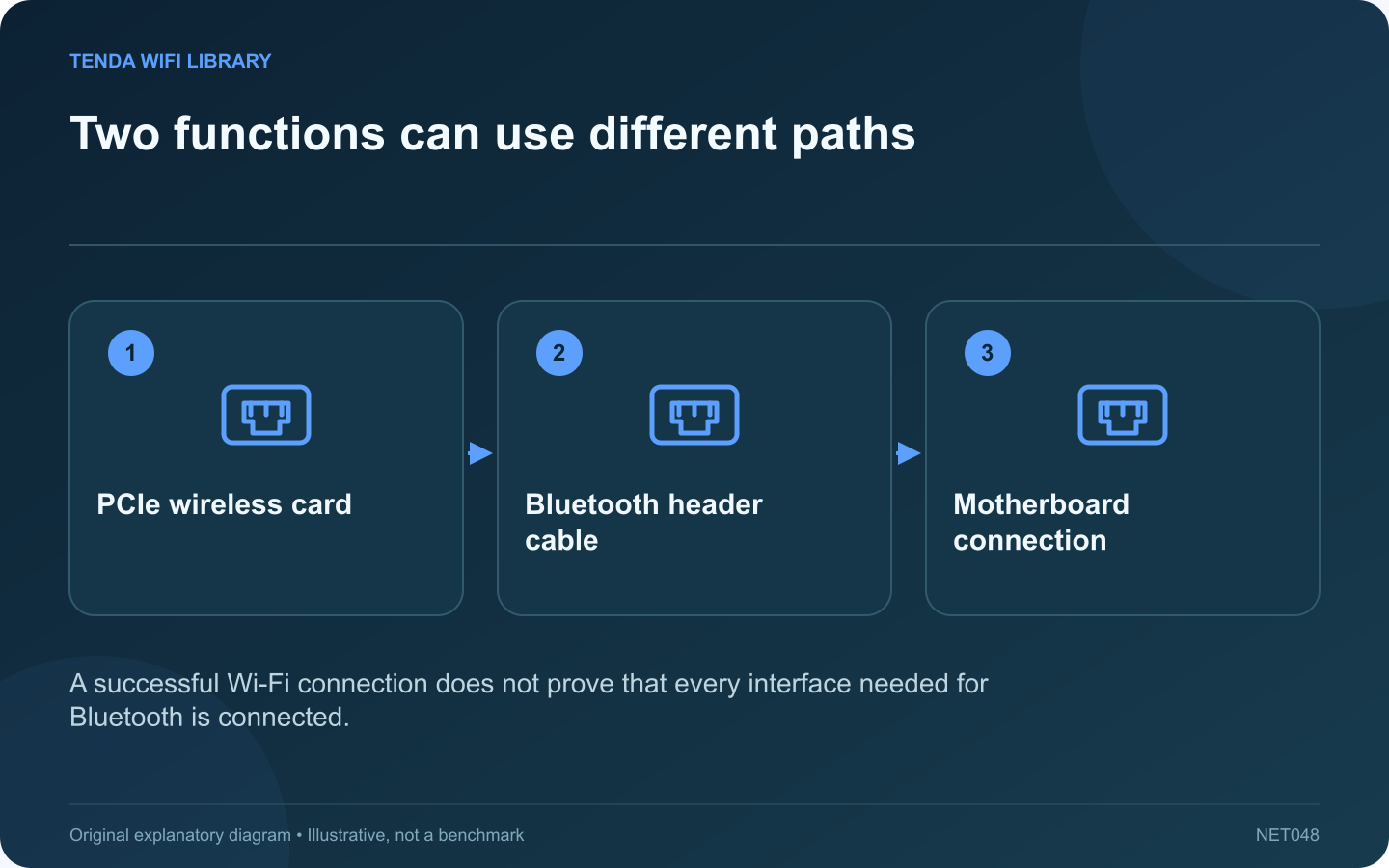
Two functions can use different paths: PCIe wireless card; Bluetooth header cable; Motherboard connection
A successful Wi-Fi connection does not prove that every interface needed for Bluetooth is connected.

Some desktop wireless cards provide both Wi-Fi and Bluetooth but require more than insertion into a PCIe slot. If Wi-Fi works while Bluetooth is absent, inspect the card’s documented internal connection arrangement before assuming the radio is faulty.

Read the exact installation guide

TP-Link lists a Bluetooth header cable in the packages for the cited TBE550E and TXE75E configurations. Use the manual for your hardware revision to identify where that cable belongs. Do not substitute a visually similar motherboard header.

Make the hardware check safely

Shut down and disconnect the desktop according to its service instructions before opening the case. If you are not comfortable identifying the correct connector, ask a qualified technician. Never move internal cables while the computer is powered.

Confirm the motherboard resource

Check whether the required compatible header is available or already used by another accessory. Do not unplug a working cooling controller or case function without understanding its role. Plan a manufacturer-supported arrangement for all connected hardware.

Check software after the physical path

  • Confirm the appropriate Bluetooth component appears in the operating system.
  • Install the supported package for the exact adapter revision.
  • Restart when the manufacturer requires it.
  • Pair one known-working accessory through the normal interface.

Separate detection from radio quality

An absent Bluetooth device and a detected device with short range are different symptoms. The latter may involve antennas, placement or interference; the former first calls for checking interface detection and driver support.

After completing the repair, test both Wi-Fi and the intended Bluetooth accessory together during normal use. Record the installed driver versions and keep the correct manual with the machine’s service notes. A combined product label describes the feature set, but each function still needs its documented physical and software path to operate.

Sources and editorial notes

Sources checked 8–9 October 2026. Independent guidance and original illustrations; product comparisons use published specifications rather than hands-on benchmarks. Check the exact model, revision and regional documentation before changing settings.

Related guides

300 FAQs across our guide libraries

Quick answers

100 practical questions from Tenda WiFi Library.

Browse all 100 FAQs
Why can a PCIe adapter provide Wi-Fi without working Bluetooth?

Some desktop wireless cards provide both Wi-Fi and Bluetooth but require more than insertion into a PCIe slot. If Wi-Fi works while Bluetooth is absent, inspect the card's documented internal connection arrangement before assuming the radio is faulty. TP-Link lists a Bluetooth header cable in the packages for the cited TBE550E and TXE75E configurations. Use the manual for your hardware revision to identify where that cable belongs. Do not substitute a visually similar motherboard header.

Read the full guide and sources
Should I use Windows Nearby sharing or Google Quick Share?

Windows Nearby sharing and Google Quick Share are different transfer features. Turning on one does not guarantee that a device using the other will appear. Start with the sending and receiving platforms before troubleshooting discovery. Microsoft documents Nearby sharing over Bluetooth or Wi-Fi between supported Windows devices. Google publishes separate app, platform and connectivity requirements for Quick Share. Consult the relevant guide rather than mixing setup steps from the two products.

Read the full guide and sources
Does working AirDrop prove that internet access is working?

A successful AirDrop transfer can be reassuring when a Mac or iPhone has network trouble. However, it does not establish that the home router's internet connection is working. Nearby sharing and a web request are different tasks with different requirements. Apple's guidance calls for Wi-Fi and Bluetooth to be enabled on nearby participating devices, along with suitable receiving settings. Confirm the intended recipient and use a harmless test file. Do not broaden receiving availability indefinitely just to diagnose another network problem.

Read the full guide and sources
Why might a Windows Wi-Fi analyzer need location permission?

A Wi-Fi analyzer can display an empty list while the laptop remains connected and ordinary browsing works. On Windows, access to some nearby wireless information is tied to location privacy controls. Check the application's permissions before reinstalling the adapter. Open the normal Wi-Fi connection list and confirm whether Windows sees nearby networks. If the operating system cannot see them either, investigate the adapter and radio state. If only the analyzer is empty, focus first on that application's requirements.

Read the full guide and sources
Independent. Practical. Clear.

Tenda WiFi Library is an independent information website. We are not affiliated with or endorsed by Tenda. Product names belong to their respective owners.