Explore the guide library · VPN and remote work
Compare call behavior with controlled synchronization traffic and resume postponed work afterward.
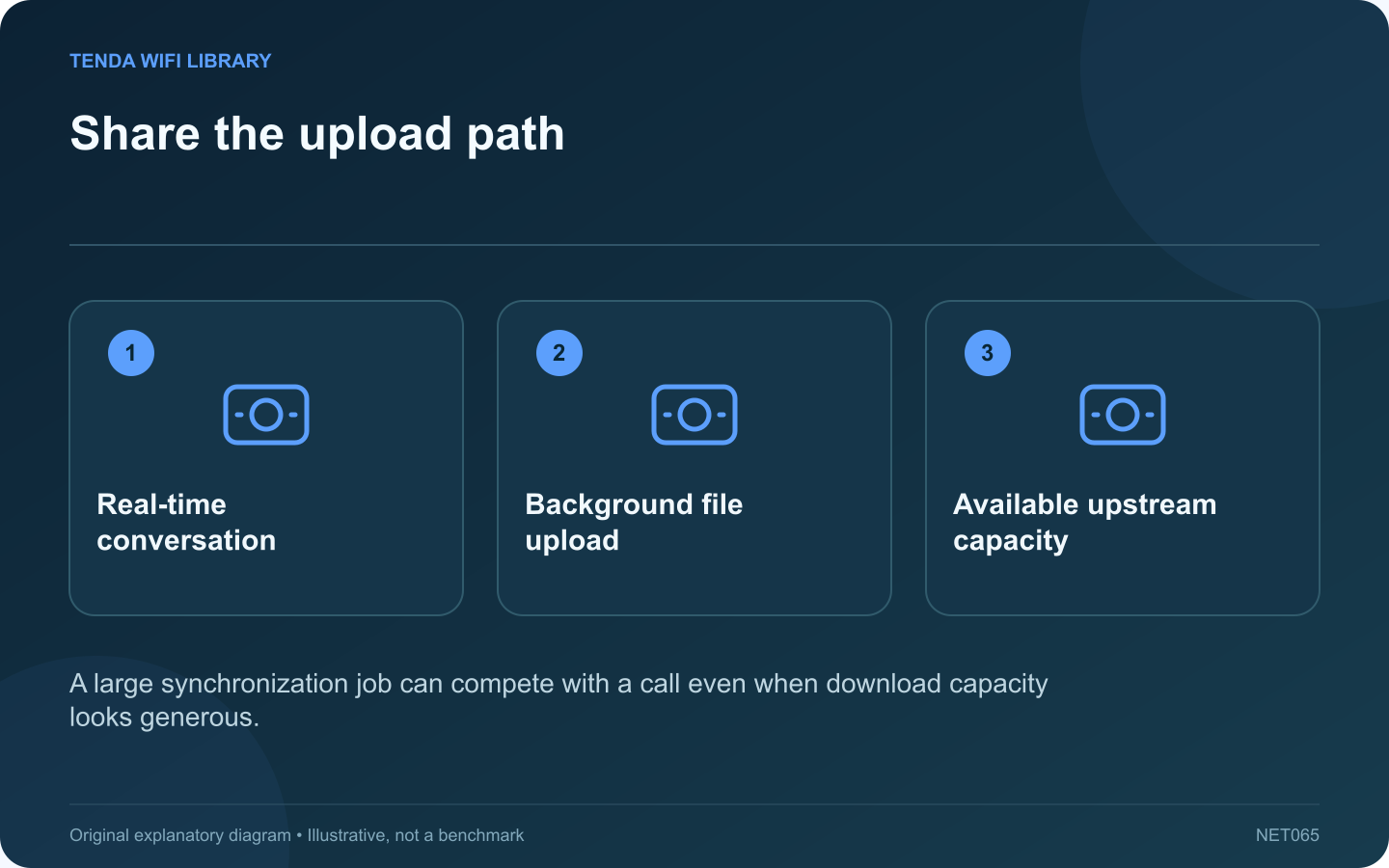
A cloud upload can consume a household’s upstream capacity while a video call needs timely outgoing traffic. If calls become unreliable only during synchronization, test that relationship before assuming the wireless router is too old.
Confirm the timing
Check whether OneDrive is actively uploading when the call degrades. Record whether other household devices are also sending large files. A correlation across several incidents is more useful than blaming the application merely because its icon is visible.
Make a controlled comparison
During a noncritical test call, use OneDrive’s normal pause control for a short period and compare the application’s call-health information. Then resume synchronization. This helps identify whether competing traffic is relevant without changing shared router configuration.
Use supported rate controls
Microsoft documents upload and download controls in OneDrive’s advanced synchronization settings, including automatic upload adjustment. Choose an appropriate supported option and test it with your actual connection. A work or school policy may manage these settings.
Avoid a universal numeric limit
The suitable limit depends on real upstream capacity, other users and the application’s needs. A value copied from a faster connection can leave no useful headroom, while an unnecessarily low value can delay important file synchronization for hours.
Verify both tasks
- Confirm the call becomes usable under ordinary conditions.
- Check that synchronization still makes progress.
- Inspect any files waiting to upload.
- Restore temporary pauses when the test ends.
If the call remains poor with synchronization paused, investigate the local connection, service route and endpoint workload. If the problem affects everyone during uploads, the shared upstream path deserves attention. Keep a small record of the setting and observed result so a temporary workaround does not become an unexplained permanent limit. The desired outcome is a stable call and completed synchronization, not solving one task by silently abandoning the other.
Sources and editorial notes
Sources checked 8–9 October 2026. Independent guidance and original illustrations; product comparisons use published specifications rather than hands-on benchmarks. Check the exact model, revision and regional documentation before changing settings.
- Microsoft: OneDrive transfer-rate and pause controls
- Cloudflare: throughput, loaded latency and jitter definitions