Explore the guide library · Windows diagnostic tools
Use a short gateway test to examine the local path without mistaking every unanswered packet for an internet outage.
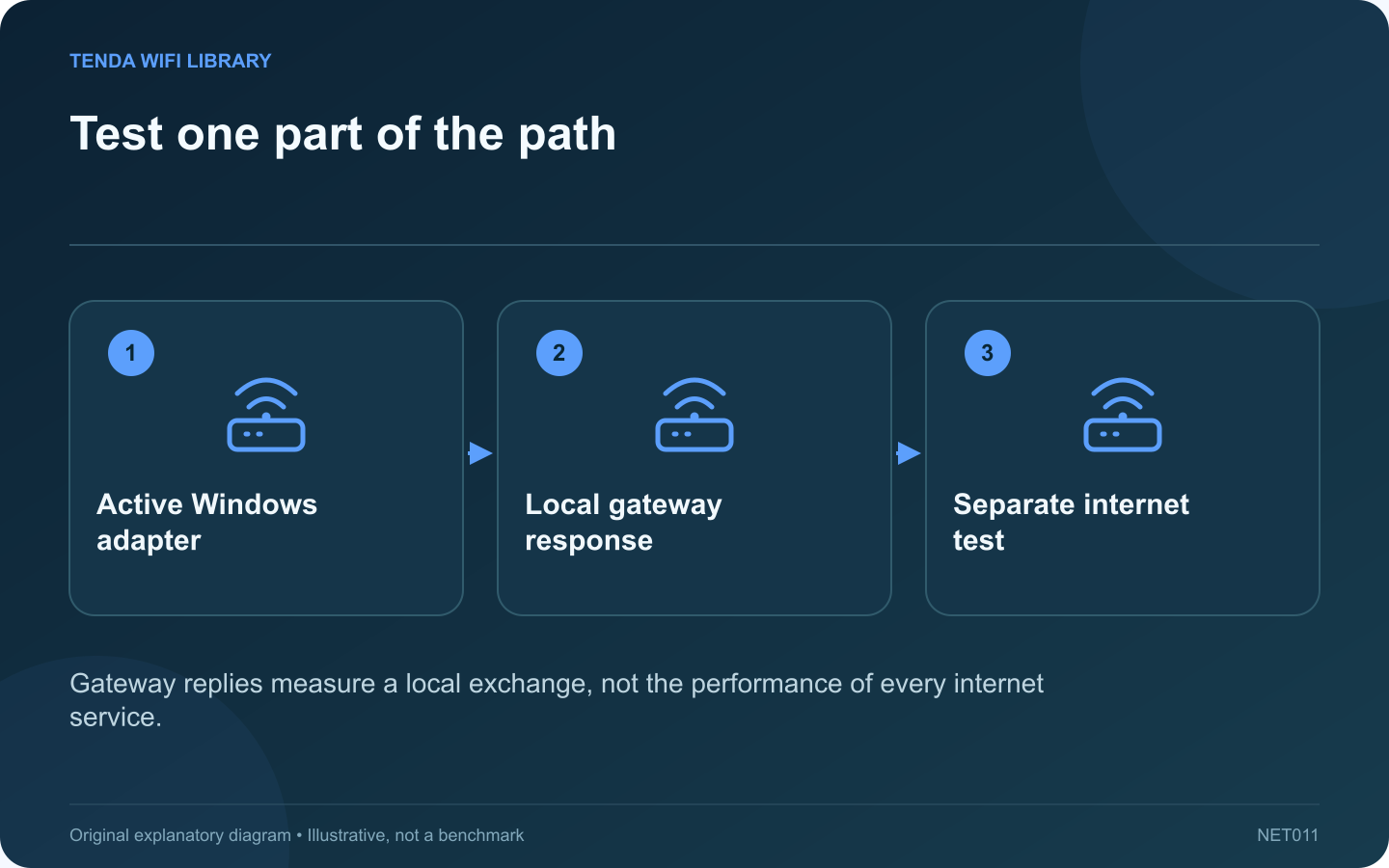
A gateway ping is a small local test that can help investigate a freezing call or intermittent connection. It does not measure download speed, and a successful reply does not establish that a website or application is healthy.
Choose the correct destination
Run ipconfig and find the default gateway under the interface currently carrying your home connection. Ignore disconnected adapters and unrelated virtual interfaces. Use that actual address in the command rather than assuming every router uses the same factory address.
Collect a limited sample
In Command Prompt, run ping /n 20 GATEWAY, replacing GATEWAY with the address you found. Microsoft documents the count option for sending a specified number of requests. Record the time and whether the original problem happened during the sample.
Read the result in context
- Replies show that this ICMP exchange completed.
- Variable reply times can justify a closer look at the local path.
- Timeouts can reflect filtering or response handling as well as connectivity trouble.
- A quiet twenty-packet sample can miss an intermittent fault.
Make one useful comparison
If the laptop is wireless, repeat from the same location while the household is quiet. Then compare with a supported wired connection when practical. Keep the gateway, sample size and application task consistent. Changing the router, device and destination together makes the result difficult to interpret.
Decide what to investigate next
If the application fails while gateway replies remain stable, inspect the upstream connection or application path. If gateway behavior changes alongside the failure on only one client, investigate that client’s local connection.
Keep the original output private if it identifies your network. Share a small reviewed excerpt with support. The useful conclusion is a narrower location for the problem, not a universal verdict that the router is either perfect or broken.
Sources and editorial notes
Sources checked 8–9 October 2026. Independent guidance and original illustrations; product comparisons use published specifications rather than hands-on benchmarks. Check the exact model, revision and regional documentation before changing settings.