Independent router help & how-tosHelping you find your connection.
The guide library

Read an nslookup result without confusing the DNS server with the website

Explore the guide library · Windows diagnostic tools

Separate the resolver being queried from the name and addresses returned for your destination.
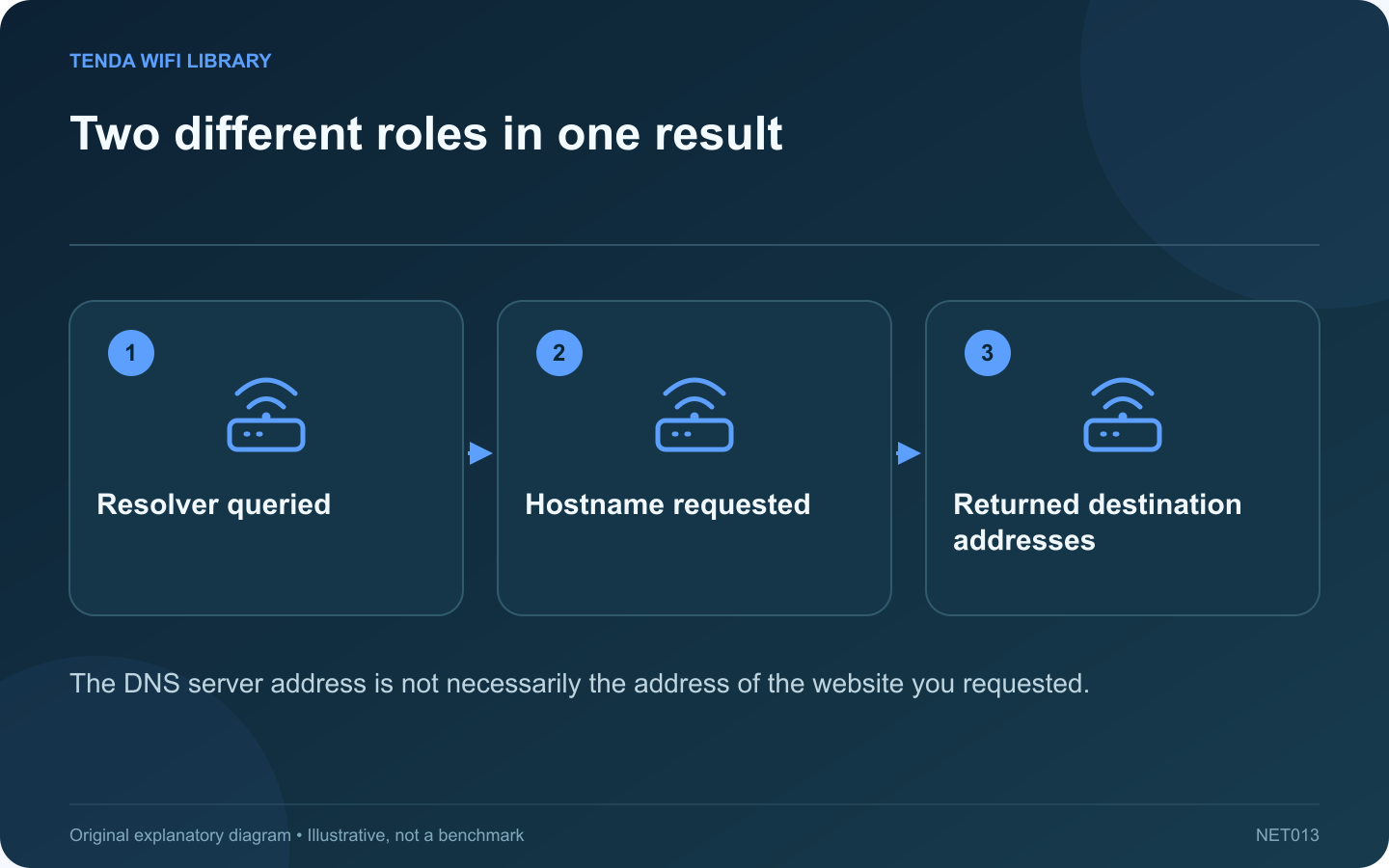
Two different roles in one result: Resolver queried; Hostname requested; Returned destination addresses
The DNS server address is not necessarily the address of the website you requested.

An nslookup result contains information about both the DNS service and the destination name. Mixing those roles can lead to an unnecessary router reset or an incorrect conclusion about where a website is hosted.

Start with one affected name

Open Command Prompt and enter nslookup HOSTNAME, replacing HOSTNAME with the public destination you are investigating. Avoid adding a full web path or a protocol prefix. DNS looks up names; it does not retrieve the article or sign in to the application.

Identify the responding resolver

The initial server information describes the DNS service handling the query. It might be your router, a provider resolver or a service supplied by an approved VPN. An unfamiliar reverse name for that server is not by itself evidence that the requested website failed.

Inspect the answer separately

Look for the requested name, any aliases and returned addresses. Services can legitimately provide several addresses or different answers by location and time. Do not treat a different address from a friend’s computer as automatic proof of tampering.

Ask a more precise question

Microsoft documents query-type controls. For a focused comparison, nslookup -type=A HOSTNAME asks for IPv4 address records, while nslookup -type=AAAA HOSTNAME asks for IPv6 records. A missing record of one type does not mean every form of access must fail.

Connect the result to the symptom

  • A timeout warrants checking reachability to the intended resolver.
  • A name-not-found response warrants checking spelling and the expected DNS namespace.
  • A returned address moves the investigation toward connection, TLS or application behavior.

Keep workplace hostnames and private resolver details out of public screenshots. Compare results with the service owner’s published guidance. Name resolution is one stage of access, so finish by testing the actual task that the user could not complete.

Sources and editorial notes

Sources checked 8–9 October 2026. Independent guidance and original illustrations; product comparisons use published specifications rather than hands-on benchmarks. Check the exact model, revision and regional documentation before changing settings.

Related guides

300 FAQs across our guide libraries

Quick answers

100 practical questions from Tenda WiFi Library.

Browse all 100 FAQs
Which address in nslookup belongs to the DNS server?

An nslookup result contains information about both the DNS service and the destination name. Mixing those roles can lead to an unnecessary router reset or an incorrect conclusion about where a website is hosted. Open Command Prompt and enter nslookup HOSTNAME , replacing HOSTNAME with the public destination you are investigating. Avoid adding a full web path or a protocol prefix. DNS looks up names; it does not retrieve the article or sign in to the application.

Read the full guide and sources
How can Test-NetConnection check a specific known service?

If a known service will not open, PowerShell can test whether your computer establishes a TCP connection to its expected port. This is useful for an authorized home server or a public service you normally use. It is not a reason to probe unrelated devices or large port ranges. Use the hostname and port documented by the service owner. A web interface, file share and media application may use different protocols. Guessing a port from another product can produce a technically accurate result that answers the wrong question.

Read the full guide and sources
What private details should I remove from a network report?

A network report can help support understand a failure, but it may also describe the computer, wireless networks and connection history. Review the contents before attaching the entire file to a public forum. If the issue is a disconnect at a particular time, the relevant event and adapter information may be sufficient. If a DNS lookup fails, a short result for the affected public hostname may answer the question. Avoid collecting every available diagnostic simply because a tool can generate it.

Read the full guide and sources
How do I identify the correct adapter in ipconfig?

The output of ipconfig can contain several adapters, even on a laptop with one visible network connection. Find the section for the interface you are actually using before interpreting an address or default gateway. Decide whether the test uses Wi-Fi, built-in Ethernet or a USB dock. Note whether an approved VPN is active. A virtual adapter can be relevant to the application without being the physical link to the home router.

Read the full guide and sources
Independent. Practical. Clear.

Tenda WiFi Library is an independent information website. We are not affiliated with or endorsed by Tenda. Product names belong to their respective owners.