Independent router help & how-tosHelping you find your connection.
The guide library

Test-NetConnection: check one known TCP service without scanning the network

Explore the guide library · Windows diagnostic tools

Use a targeted port test to separate basic TCP reachability from application login or protocol errors.
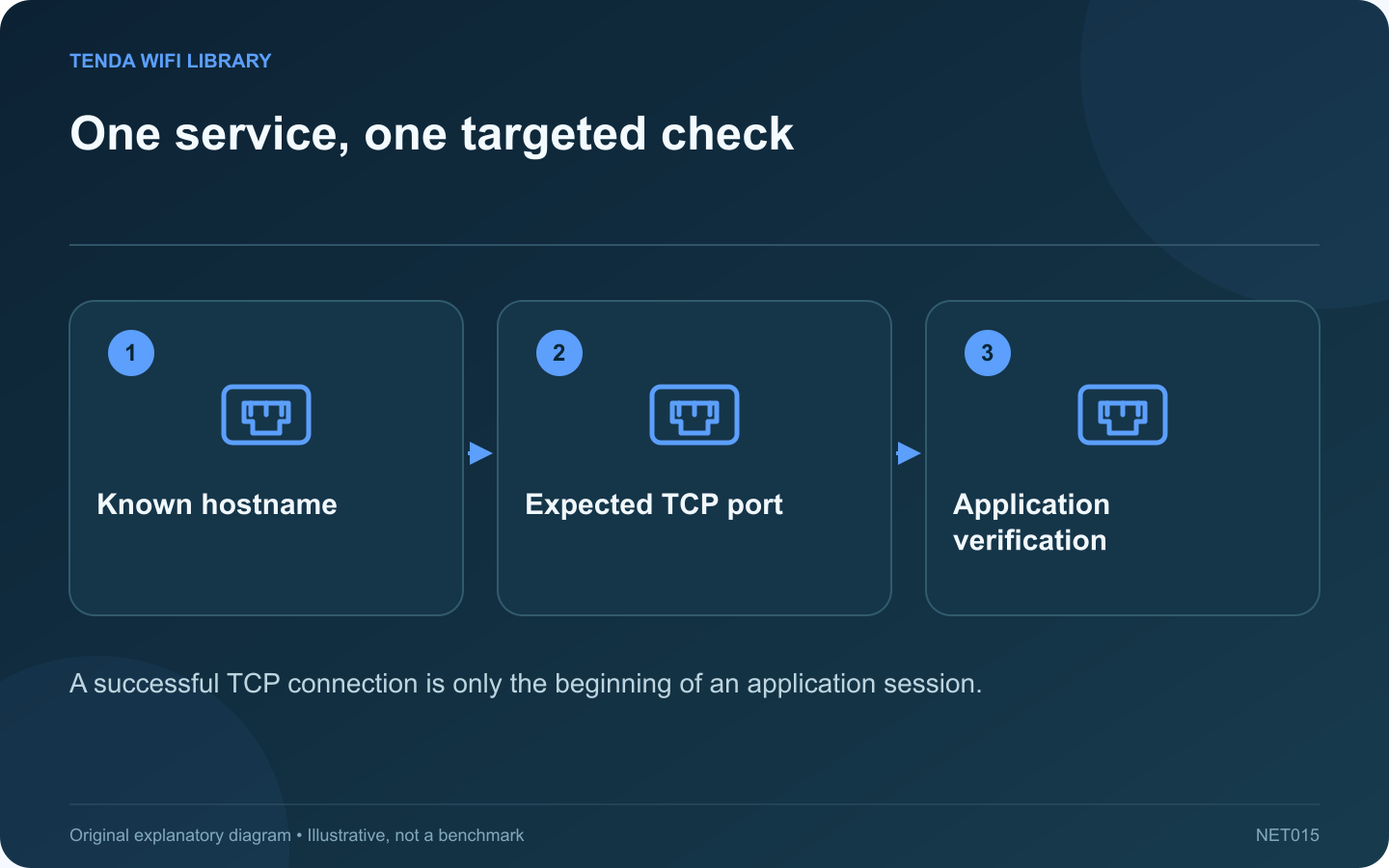
One service, one targeted check: Known hostname; Expected TCP port; Application verification
A successful TCP connection is only the beginning of an application session.

If a known service will not open, PowerShell can test whether your computer establishes a TCP connection to its expected port. This is useful for an authorized home server or a public service you normally use. It is not a reason to probe unrelated devices or large port ranges.

Obtain the real service details

Use the hostname and port documented by the service owner. A web interface, file share and media application may use different protocols. Guessing a port from another product can produce a technically accurate result that answers the wrong question.

Run a single targeted test

For a documented HTTPS endpoint, use Test-NetConnection -ComputerName HOSTNAME -Port 443 -InformationLevel Detailed, replacing HOSTNAME appropriately. Microsoft documents the command’s TCP test and diagnostic output. Use a different port only when it is the service’s actual documented TCP port.

Interpret the success field

TcpTestSucceeded indicates whether that TCP connection test succeeded. A true result does not validate the website’s certificate, confirm your password or prove the application is healthy. A false result can reflect a stopped service, filtering, routing or an incorrect destination.

Use the result to choose a next step

  • TCP succeeds but the browser reports a certificate error: investigate the certificate or hostname.
  • TCP succeeds but sign-in fails: examine the account or application response.
  • TCP fails only from one permitted client: compare its route and policy.
  • TCP fails from every intended client: inspect the server and network path.

Keep the test’s boundaries clear

This TCP test does not establish that a UDP-based game or voice stream can work. Do not open router ports or disable a firewall solely to turn the result green.

Record the destination, port, time and actual application symptom. Retest after a specific authorized repair so that the evidence describes the service the user needs, rather than only a successful diagnostic command.

Sources and editorial notes

Sources checked 8–9 October 2026. Independent guidance and original illustrations; product comparisons use published specifications rather than hands-on benchmarks. Check the exact model, revision and regional documentation before changing settings.

Related guides

300 FAQs across our guide libraries

Quick answers

100 practical questions from Tenda WiFi Library.

Browse all 100 FAQs
How can Test-NetConnection check a specific known service?

If a known service will not open, PowerShell can test whether your computer establishes a TCP connection to its expected port. This is useful for an authorized home server or a public service you normally use. It is not a reason to probe unrelated devices or large port ranges. Use the hostname and port documented by the service owner. A web interface, file share and media application may use different protocols. Guessing a port from another product can produce a technically accurate result that answers the wrong question.

Read the full guide and sources
How can I compare IPv4 and IPv6 without disabling either?

Some connectivity problems affect one address family more than another. Windows tools can collect IPv4 and IPv6 observations separately. Use that evidence to locate a problem rather than disabling IPv6 permanently because one generic guide recommends it. Use a public service relevant to the failure and confirm that it publishes the address records needed for the comparison. A service with no IPv6 address cannot serve as a fair test of your IPv6 internet path.

Read the full guide and sources
How do I identify the correct adapter in ipconfig?

The output of ipconfig can contain several adapters, even on a laptop with one visible network connection. Find the section for the interface you are actually using before interpreting an address or default gateway. Decide whether the test uses Wi-Fi, built-in Ethernet or a USB dock. Note whether an approved VPN is active. A virtual adapter can be relevant to the application without being the physical link to the home router.

Read the full guide and sources
What should I record in an internet-outage log?

Intermittent outages are difficult to diagnose when the only description is “the internet stopped again.” A compact incident log can show whether the problem follows one device, one application or the whole connection. During the next incident, check one other device if it is convenient. Try one ordinary public destination and the affected application. Record whether Wi-Fi disconnected entirely or remained associated without usable internet access.

Read the full guide and sources
Independent. Practical. Clear.

Tenda WiFi Library is an independent information website. We are not affiliated with or endorsed by Tenda. Product names belong to their respective owners.