Independent router help & how-tosHelping you find your connection.
The guide library

Video calls lag during OneDrive uploads: test a rate limit before changing routers

Explore the guide library · VPN and remote work

Compare call behavior with controlled synchronization traffic and resume postponed work afterward.
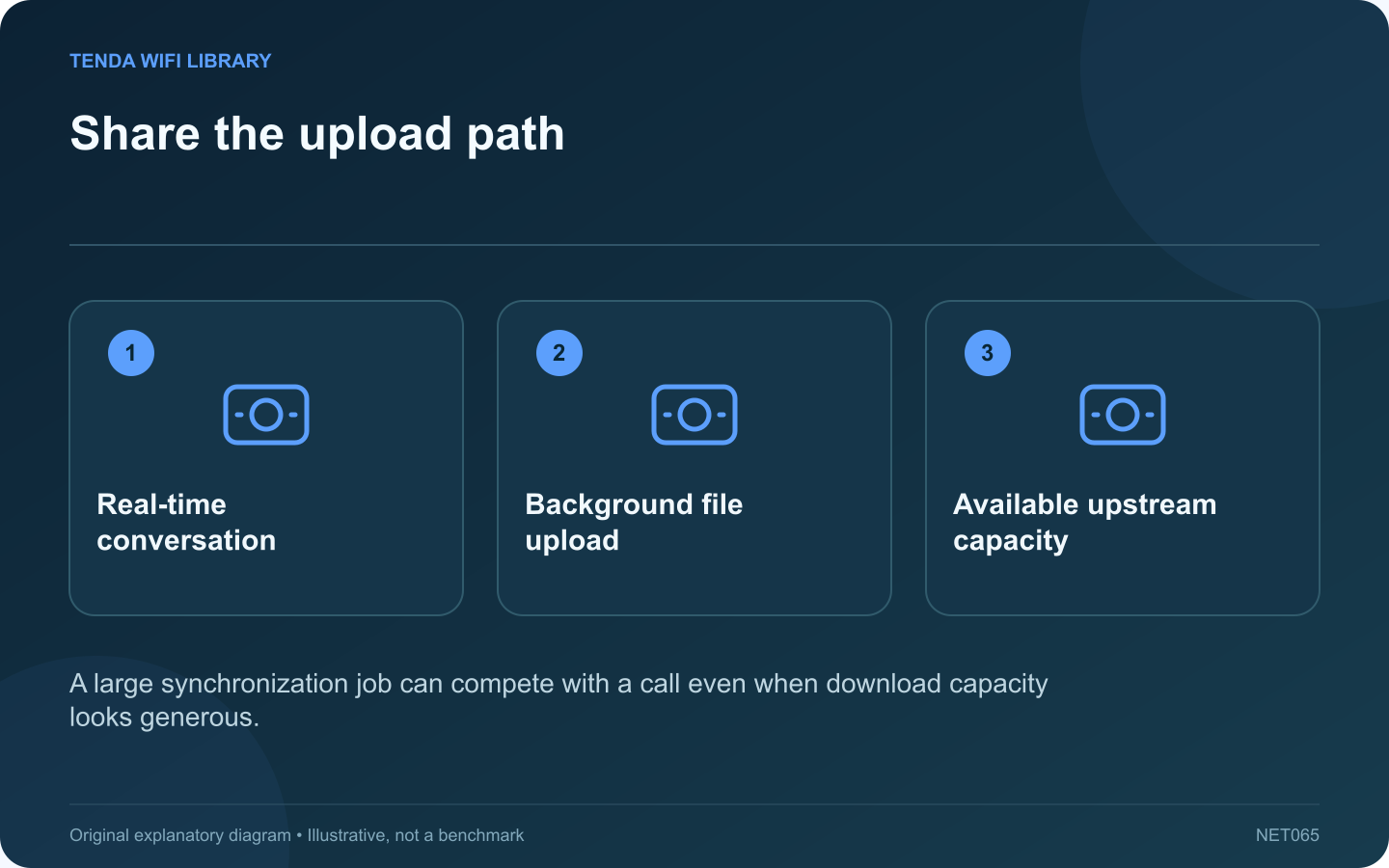
Share the upload path: Real-time conversation; Background file upload; Available upstream capacity
A large synchronization job can compete with a call even when download capacity looks generous.

A cloud upload can consume a household’s upstream capacity while a video call needs timely outgoing traffic. If calls become unreliable only during synchronization, test that relationship before assuming the wireless router is too old.

Confirm the timing

Check whether OneDrive is actively uploading when the call degrades. Record whether other household devices are also sending large files. A correlation across several incidents is more useful than blaming the application merely because its icon is visible.

Make a controlled comparison

During a noncritical test call, use OneDrive’s normal pause control for a short period and compare the application’s call-health information. Then resume synchronization. This helps identify whether competing traffic is relevant without changing shared router configuration.

Use supported rate controls

Microsoft documents upload and download controls in OneDrive’s advanced synchronization settings, including automatic upload adjustment. Choose an appropriate supported option and test it with your actual connection. A work or school policy may manage these settings.

Avoid a universal numeric limit

The suitable limit depends on real upstream capacity, other users and the application’s needs. A value copied from a faster connection can leave no useful headroom, while an unnecessarily low value can delay important file synchronization for hours.

Verify both tasks

  • Confirm the call becomes usable under ordinary conditions.
  • Check that synchronization still makes progress.
  • Inspect any files waiting to upload.
  • Restore temporary pauses when the test ends.

If the call remains poor with synchronization paused, investigate the local connection, service route and endpoint workload. If the problem affects everyone during uploads, the shared upstream path deserves attention. Keep a small record of the setting and observed result so a temporary workaround does not become an unexplained permanent limit. The desired outcome is a stable call and completed synchronization, not solving one task by silently abandoning the other.

Sources and editorial notes

Sources checked 8–9 October 2026. Independent guidance and original illustrations; product comparisons use published specifications rather than hands-on benchmarks. Check the exact model, revision and regional documentation before changing settings.

Related guides

300 FAQs across our guide libraries

Quick answers

100 practical questions from Tenda WiFi Library.

Browse all 100 FAQs
Could OneDrive uploads disrupt a video call?

A cloud upload can consume a household's upstream capacity while a video call needs timely outgoing traffic. If calls become unreliable only during synchronization, test that relationship before assuming the wireless router is too old. Check whether OneDrive is actively uploading when the call degrades. Record whether other household devices are also sending large files. A correlation across several incidents is more useful than blaming the application merely because its icon is visible.

Read the full guide and sources
Why might a work application fail while its VPN is connected?

The Connected label in a VPN client confirms a connection state, not universal access to every workplace resource. An application can still fail because of its name, route, service availability or account permissions. Keep those stages separate while gathering evidence. Check that the active VPN is the one your organization provides for this task. Microsoft advises obtaining workplace VPN settings or software from the organization. A personal privacy VPN is not a substitute for an approved connection to an internal resource.

Read the full guide and sources
How can the Steam Link overlay help diagnose stutter?

Increasing Steam Link's bandwidth limit can sharpen a stream when the path has spare capacity, but it can make an unstable connection work harder. First determine whether the freeze coincides with a network-timing problem or another stage of the streaming process. Choose a familiar game section with predictable movement. Keep resolution, frame rate and host graphics settings unchanged during the first comparison. Testing a quiet menu and then a complex action scene creates a misleading before-and-after result.

Read the full guide and sources
Why does gaming lag appear only during large downloads?

A home connection can produce a low ping when idle and still feel unresponsive during a download. The useful question is how delay changes under load. This helps explain why a faster headline download rate does not always translate into a smoother call or game. Use a consistent test method and destination when the household connection is relatively quiet. Record latency and the current connection type. A wireless result beside the router should not be compared directly with a later result from a distant bedroom.

Read the full guide and sources
Independent. Practical. Clear.

Tenda WiFi Library is an independent information website. We are not affiliated with or endorsed by Tenda. Product names belong to their respective owners.